Grandma-test difficulty: 0/5
Try-it time: 30 seconds to first win Worth your time: 5/5 Do Not Miss
The hook
You have heard the jokes. Vim is the editor where people get stuck panic-search how to exit vim and wind up on Stack Overflow reading answers with thousands of upvotes. It is the punchline of every I have been in Vim for three days meme.
What if the most-searched Vim question became your first lesson and it took 30 seconds to win?
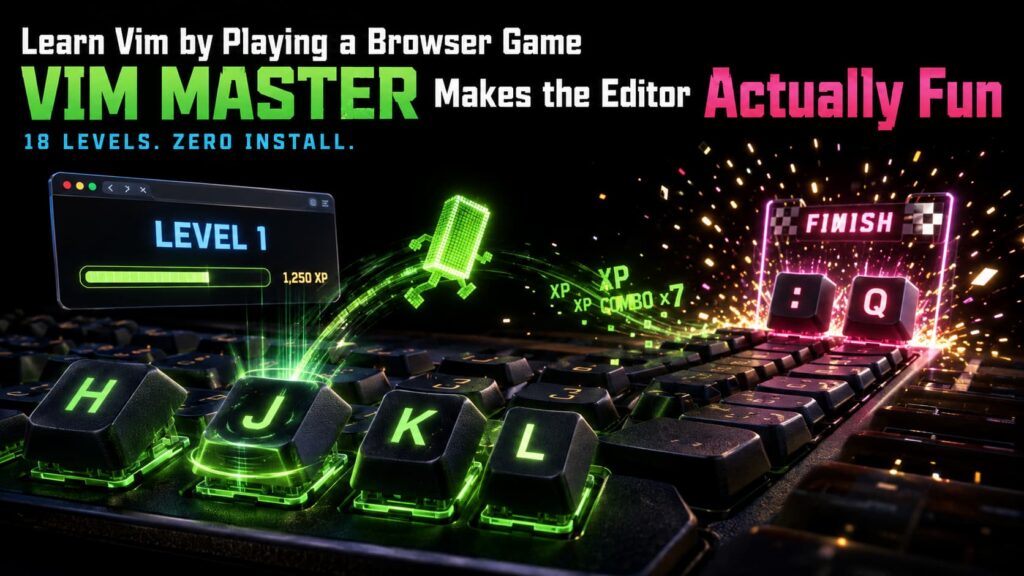
That is exactly what VIM Master does. It is a free browser game that teaches Vim through 18 progressive lessons complete with XP combo streaks achievements a practice arena and a cheat mode. No installation. No terminal. No configuration. Just open the link and start playing [S1].
What you need
- A web browser Chrome Firefox Safari Edge anything modern
- 30 seconds for the first lesson
- 15 to 20 minutes to finish all 18 lessons
- Optional a keyboard works on mobile but a real keyboard is better
Simple setup walkthrough
1. Open the game
Go to https://vim-master.com/
That is it. The page loads a full Vim editor in your browser with a dark theme line numbers and a status bar showing NORMAL mode Lesson 1/18 and XP 0 [S1].
2. Click Start Learning
A modal appears with the text Learn Vim by playing. Complete short interactive lessons. Takes about 15 minutes. Click the Start Learning button.
3. Read the goal then do it
The goal panel says Type colon q to quit or colon wq to write and quit. Press Enter after the command.
The editor shows three lines: “ Welcome to VIM Master! Most searched question: how to exit Vim? Try typing colon q and press Enter (or colon wq). “
Your cursor sits at line 1 column 1. The status bar reads NORMAL and Ln 1 Col 1 [S1].
4. Type colon q and press Enter
In Vim normal mode colon enters command mode. Type colon q and hit Enter. The lesson completes instantly with a celebratory Level Complete! Great job! You have mastered the basics of movement. modal [S1].
That is your first win. You just exited Vim the thing millions of developers search for every year.
5. Continue to the next level
Click Next Level and you are on Lesson 2: basic movement with h j k l. The game walks you through each key with the same immediate feedback loop.
First thing to try
Complete Lesson 1 right now. It takes 15 seconds. You will type colon q press Enter and see the victory screen. That single interaction teaches you more about Vim than reading ten blog posts.
Then do Lesson 2. Move the cursor with h (left) j (down) k (up) l (right). The game highlights which key to press next. You are not memorizing you are doing.
Turn it into a game or challenge
The Practice Arena
Once you have cleared a few lessons open the Practice Arena (button in the top bar). It gives you timed challenges: Delete 5 lines in 30 seconds or Jump to line 42 and add a semicolon. Your speed and accuracy earn XP and build combo streaks [S2].
The Cheat Mode
Press Ctrl+slash anytime to open Cheat Mode a searchable command reference with every Vim command you have learned so far plus ones you have not. It is not cheating it is how you build muscle memory without frustration [S2].
Export your progress
Your XP badges completed lessons and streak are saved automatically in your browser local storage. But you can also export a portable code string and import it on another device or browser [S2]. Share your progress with a friend: I am at Lesson 12 with 2400 XP beat that.
Optional expert rabbit hole
The JSON-driven lesson engine
Every lesson in VIM Master is a self-contained JSON file in content/lessons/ [S2]. The engine does not hardcode any lesson it reads the catalog at runtime. This means:
- Community members can write new lessons without touching the engine
- The content validator checks schema compliance at build time
- Golden tests ensure lesson behavior never regresses
If you know JSON and Vim you can design a lesson teaching ci-quote (change inside quotes) or slash-pattern (search) in about 20 lines of JSON [S2, S3].
Run it locally (for hackers)
“bash git clone https://github.com/renzorlive/vimmaster.git cd vimmaster npm install npm start “
Serves at http://localhost:5173/. The v3.0.0 release (July 2026) added zero-lint hygiene progress auto-save on level completion and a structured logger so the local build is clean and debuggable [S3].
One thing to know
It is a simulator not real Vim. The editor runs in JavaScript and implements a subset of Vim behavior optimized for teaching. Some advanced features (macros registers split windows) are locked behind later lessons or not implemented. When you are ready for the real thing the muscle memory transfers but you will still need to learn colon w to actually save files [S1, S2].
Also: progress lives in your browser local storage. Clearing site data wipes it. Use the export feature if you care about keeping your streak.
The bottom line
Try it tonight if: You have ever been curious about Vim but bounced off the learning curve. The first lesson solves the exit meme in 15 seconds. The next 17 teach movement editing search and file operations through play not pain.
Skip if: You already know Vim fluently (though the Practice Arena is still a fun speed challenge) or you need a real editor for actual work right now this is a trainer not a workspace.
VIM Master is the rare tool that makes a notorious learning curve feel like a game you want to finish. Open it click Start type colon q and tell me you do not smile when the Level Complete banner drops.
Sources
- [S1] VIM Master Interactive browser game that teaches Vim through 18 progressive lessons — renzorlive (2026-07-10)
- [S2] VIM Master GitHub repository MIT licensed v3.0.0 Community Alpha release — renzorlive (2026-07-10)
- [S3] VIM Master v3.0.0 release notes Community Alpha with progress auto-save and zero-lint hygiene — renzorlive (2026-07-10)