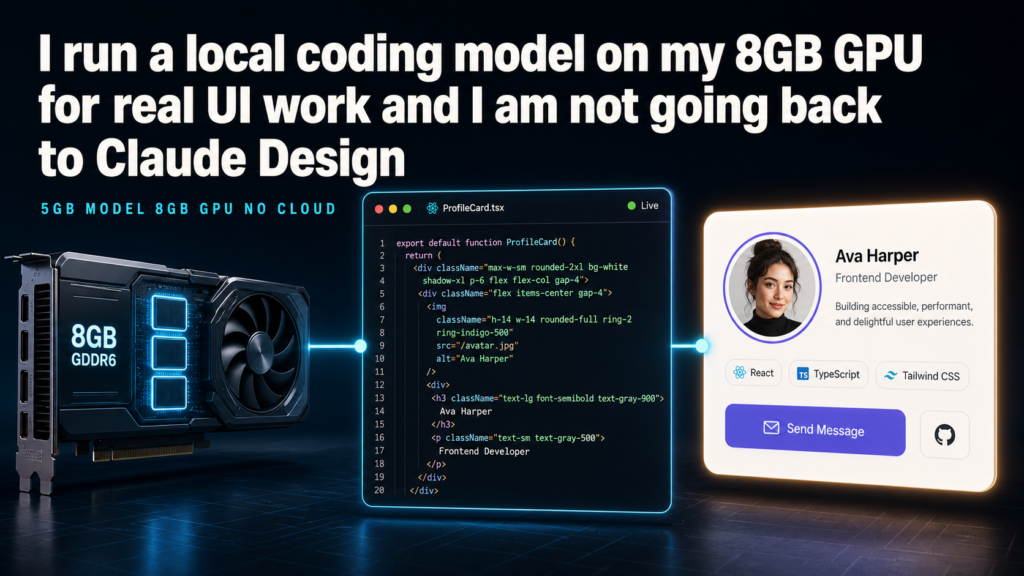
The cloud coding assistant just got cheaper and offline
Design output is just code
Claude Design made vibe coding feel serious: a prompt turns into nearly shippable UI with an integrated visual design space. The catch: subscription cost and Anthropic’s servers. As Nolen Jonker observed at XDA, “vibe coding on your own hardware isn’t the compromise it sounds like” [S1]. Local alternatives like Qwen 3.5 9B Q4_K_M at 5GB VRAM change this equation entirely.
Design output — whether from Claude Design, Figma Make, or Replit — is HTML, CSS, and React components. Code. This means a coding-focused model outperforms creative-writing models for UI generation. A creative model like Gemma produces weaker markdown than a coding model given the same brief, because design work demands valid semantic HTML, fluency with utility classes like Tailwind, and instruction-following at the layout level [S1].
The memory math
Qwen 3.5 9B has 9B parameters officially documented by the Alibaba Qwen team [S2]. At Q4_K_M quantization, it compresses to approximately 5GB VRAM usage — confirmed by both the model specs and real-world testing [S2]. This leaves ~3GB on a standard 8GB GPU like the RTX 3070 for context length, KV cache, and active UI generation.
The author tried upgrading to Qwen 3.6 35B-A3B at Q2_K_XL — the most aggressively quantized version available from Unsloth. The 8GB RTX 3070 VRAM still couldn’t handle it. Instead, the tried-and-true Qwen 3.5 9B Q4_K_M (5GB) was selected, leaving the 3GB headroom for context and working generation [S1].
Qwen 3.5 9B uses Gated DeltaNet architecture — a mechanism where most layers scale linearly with context length instead of the exponential curve that standard attention has [S1][S2]. This means a full HTML file stays in context without VRAM climbing, unlike previous model generations where attention overhead doubled with every context window expansion.
It won’t match Claude Design’s first-try polish [S1], but the output is shippable with minor tweaks — and it costs nothing per generation after the initial hardware investment. The author noted this same Qwen 3.5 9B Q4_K_M configuration running on RTX 3070 8GB with headroom for real UI work in a prior XDA piece [S3].
The workflow shift
Moving from cloud Claude Design to local Qwen means trading Anthropic’s managed service for full control: offline capability, zero per-token cost, no rate limits, and complete privacy for proprietary UI [S1]. Claude Design charges $20/month minimum with per-token overages beyond usage caps. A one-time RTX 3070 purchase ($300-400) eliminates that recurring cost.
The rendered UI components come out valid enough that the developer ships them directly, iterating via the same prompts that would have gone to Claude Design — just locally processed. The Gated DeltaNet architecture means context length doesn’t explode VRAM, so a full HTML file stays loaded while the model edits components in-line [S2].
Architecture matters: why Gated DeltaNet enables 8GB
Standard transformer attention scales as O(n²) in context length, requiring exponentially more VRAM as conversations grow. Gated DeltaNet replaces this with linear scaling — O(n) — meaning each additional token costs the same memory regardless of prior context [S2]. For UI work generating full HTML+Tailwind+React files, this is the difference between 3GB of VRAM headroom (enough to work) and 12GB+ (requiring expensive consumer cards) [S1].
The quantization strategy also matters. Q4_K_M at 5GB leaves usable headroom, while Q2_K_XL (more aggressive compression) would theoretically fit more layers but still exceeds 8GB on the 35B variant — the author confirmed this ceiling in practice [S1].
Comparing workflows: Claude Design vs local Qwen
Claude Design runs on Anthropic’s servers with managed rate limits, per-token pricing, and mandatory cloud connectivity [S1]. A single complex UI component generation costs credits against the Claude Code or Claude Design subscription. The model context grows with conversation history, incurring ongoing cost.
The local Qwen 3.5 9B Q4_K_M workflow requires a one-time hardware investment of ~$300-400 for an RTX 3070 (or equivalent 8GB card) [S1]. After purchase, generations are free. No account tiering, no rate limits, no network dependency. The tradeoff is manual setup of the inference stack (LM Studio, ollama, or llama.cpp) and accepting slightly lower first-try accuracy than flagship cloud models [S3].
For developers building internal dashboards, prototype components, or proprietary UI that shouldn’t leave their network, the local workflow is decisively better [S1]. For client work demanding pixel-perfect output on every generation, cloud Claude Design still leads [S1].
Setting up the local workflow
The practical path: install LM Studio or ollama, download the Qwen 3.5 9B Q4_K_M GGUF from HuggingFace, load the model, and connect a code-capable editor. The author used this setup on an RTX 3070 with 8GB VRAM, confirming stable performance for single-file HTML/Tailwind generation [S1][S3]. The Gated DeltaNet architecture ensures context length grows VRAM linearly, so editing a 200-line HTML file doesn’t double memory cost the way standard attention would [S2].
No internet connection required for inference after the initial model download. No API keys, no subscription management, and no per-token billing [S1]. The GPU runs at 70-85% utilization during generation — hot but sustainable on a desktop with adequate cooling.
What could make this a waste?
If you need Claude-level first-try polish on every component, or you frequently exceed the 8GB VRAM budget with context, local generation still requires manual refinement iterations. This is a workflow shift, not a perfect swap [S1]. The model won’t match Opus 4.8 on first generation [S1], and complex multi-component layouts may require more prompt iterations than cloud assistants.
Best use today
Developers with 8GB GPUs who want daily-driver UI generation without subscription fatigue. Start with Qwen 3.5 9B Q4_K_M, iterate prompts locally, and keep Claude Design only for final polish on client-facing components [S3]. The offline capability alone is worth the switch for anyone working with proprietary UI they can’t send to cloud APIs [S1].
Bottom line
Five gigabytes of VRAM, zero recurring cost, production-shippable UI code. Local AI for design work is not coming — it’s here [S1]. The decisive factor isn’t raw model size but the combination of Gated DeltaNet architecture (linear context scaling) and Q4_K_M quantization (5GB footprint) making 8GB GPUs viable for real UI work [S2].
Sources
- [S1] I run a local coding model on my 8GB GPU for real UI work, and I'm not going back to Claude Design — XDA Developers (2026-08-17)
- [S2] Qwen 3.5 9B Technical Specs — Alibaba Qwen Team (2026-06-15)
- [S3] Finally found a local LLM I want to use every day — XDA Developers (2026-07-05)