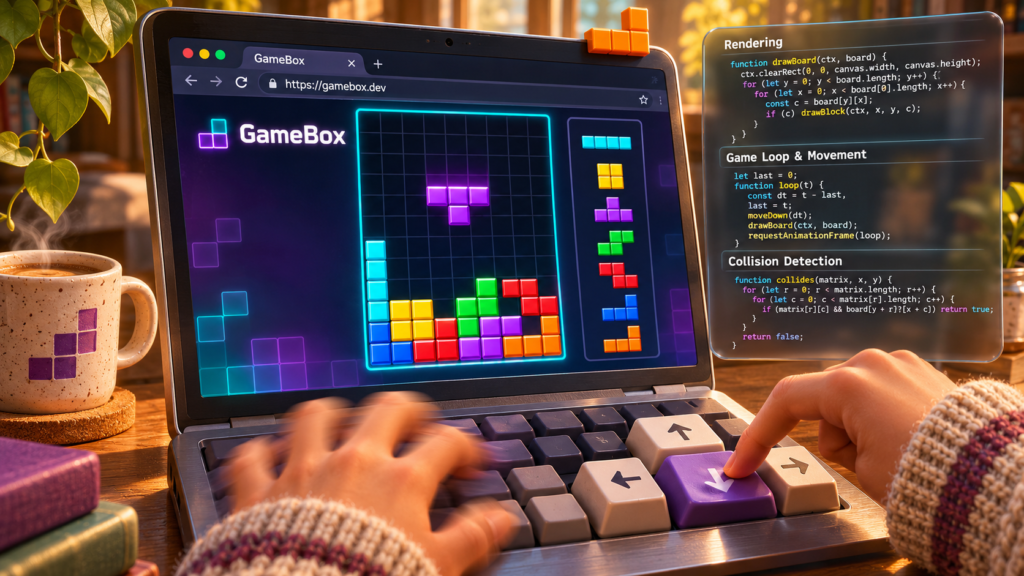
Play 20 Classic Games in Your Browser Right Now — Zero Install, Zero Fuss
Hook
You remember the games. Snake on a Nokia brick. Tetris on a Game Boy. Minesweeper between homework assignments. They were simple, addictive, and everywhere. Today you would need an emulator, an app store, or at least a download to play them again.
GameBox changes that. Open one web address and you have 20 classics — Snake, Tetris, 2048, Wordle, Minesweeper, Connect Four, Breakout, Flappy Bird, and more — running instantly in your browser. No install. No account. No terminal. Just click and play [S1].
GameBox delivers instant nostalgic gaming with zero friction — 20 classic games run in your browser with built-in source code viewing, making it the perfect try-tonight project for complete beginners.
At a Glance
Grandma-Test Difficulty: 0/5 — Instant Click Try-It Time: Under 30 seconds (browser) Worth Your Time: 5/5 — Do Not Miss
—
What You Need
- A web browser (Chrome, Firefox, Safari, Edge — any modern browser works)
- Internet connection for the initial load; games work offline after caching
- That is it. No downloads, no accounts, no command line.
Simple Setup Walkthrough
Step 1: Open the GameBox homepage
Go to https://saiuttejr.github.io/GameBox/ in your browser.
You will see a clean grid of 20 game cards with a search bar and filter buttons (All, Solo, 2 Player, vs Computer) at the top [S1]. The page loads in under two seconds even on slow connections.
Step 2: Pick a game
Click any game card. Let us start with Tic-Tac-Toe — it loads in under a second and lets you choose 2 Player (pass-and-play on one screen) or vs Computer with a genuine minimax AI that plays perfectly [S3]. The game board is a crisp 3×3 grid that responds instantly to clicks.
Step 3: Play
Click the grid squares to make your move. The game tracks scores automatically. Player X and Player O (or Computer) each get their own counter. When the game ends, a modal announces the winner or a draw. Hit Play Again for an instant rematch, or use the browser back button or the Back to GameBox link to return to the menu.
Step 4 (Optional): Peek at the code
Every game page has a View source code button in the top right. Click it and a panel slides out showing the complete, commented JavaScript with labeled sections like Setup & DOM References, Win Detection, and AI (Minimax Algorithm) [S3]. It is a gentle, optional way to see how the game works without any pressure [S3]. The code is vanilla JavaScript — no frameworks, no build step, no minification. You can read it line by line.
Step 5 (Optional): Try another
Use the filter buttons on the main page to find Solo games (Snake, 2048, Flappy Bird, Minesweeper, Breakout), 2 Player games (Connect Four, Checkers, Chess Clock, Tic-Tac-Toe), or vs Computer games (Tic-Tac-Toe, BlackJack, Rock Paper Scissors) [S3]. Each game loads instantly with its own unique mechanics and visual style.
First Thing to Try
Play Snake on Hard difficulty. Click the Snake card, select Hard, hit Start Game, and use arrow keys or WASD to steer. The speed is brisk but fair — you will feel the classic tension within 30 seconds [S3]. Your high score persists in localStorage, so it is still there when you come back tomorrow. The grid is 20×20, the snake grows with each red food pixel, and the difficulty setting controls the game loop interval — Easy at 150ms, Medium at 100ms, Hard at 70ms.
Turn It Into a Game or Challenge
Retro Gauntlet: See how many different games you can win in 10 minutes. Start with Tic-Tac-Toe vs Computer (beat the unbeatable AI — spoiler: you cannot, but you can force a draw every time), then Snake on Medium (reach 20 segments), then 2048 to the 1024 tile, then Wordle in 4 guesses. Screenshot your best run and send it to a friend.
Code Detective: Open the source panel on any game. Find the function that handles winning (search for win or checkWin). Now find the function that handles losing. Notice how similar they are. That is game dev in a nutshell [S3].
Speedrun the Menu: How fast can you load each game and make one move? The menu-to-play transition is consistently under 500ms. Time yourself across all 20 games.
Optional Expert Rabbit Hole
- Fork and modify: The GitHub repo is pure vanilla JS — each game lives in its own folder (for example, snake, tetris) with index.html, style.css, script.js. Clone it, tweak the Snake colors, change Tetris piece shapes, add a new Wordle word list [S2].
- Build your own: The README includes a contributing guide with a game template. Add a 21st game to the collection and submit a PR [S2].
- Offline play: The site is a static PWA — once loaded, Service Worker caches everything. Disconnect Wi-Fi and keep playing [S1].
- Learn the patterns: Every game uses the same architecture — a single script.js with clearly labeled sections. Compare Snake’s game loop to Tetris’s piece spawning to Tic-Tac-Toe’s minimax. You will start recognizing the universal patterns of game programming.
One Thing to Know
The project has only 2 GitHub stars and a single maintainer. It is a passion project, not a commercial product. If the GitHub Pages deploy ever breaks, the games vanish from the live URL — but the source code stays on GitHub forever (MIT license), so you can always host it yourself [S2].
The Bottom Line
Try it tonight if: You want instant nostalgic fun, you are curious how simple games are coded, or you need a zero-friction activity for a kid, a break, or a dull meeting.
Skip it if: You only play modern AAA games, you need multiplayer online, or you want persistent cloud saves across devices.
GameBox is the rare project that delivers exactly what it promises — 20 games, one click, zero friction — and then quietly hands you the source code if you want to learn. Open the tab. Play a round. Close it when you are done. That is the whole point.
Sources
- [S1] GameBox — Classic Browser Games (Live Demo) — saiuttejr.github.io (2024-10-15)
- [S2] saiuttejr/GameBox — GitHub Repository — GitHub (2024-02-03)
- [S3] Tic Tac Toe — GameBox (Individual Game Page) — saiuttejr.github.io (2024-10-15)