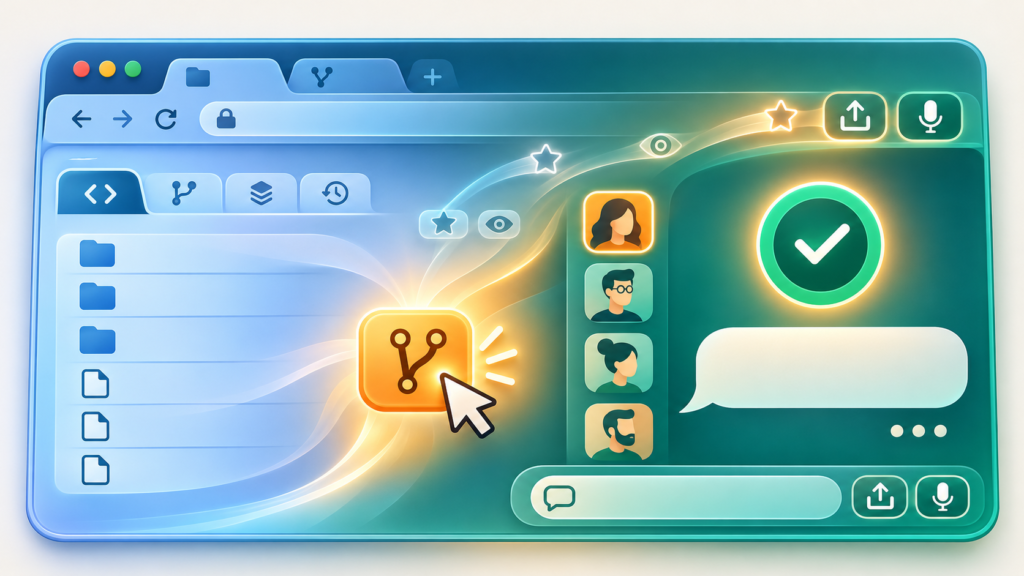
The Surprise: AI That Runs Where You Already Are
You’ve heard local AI before. It usually means Docker, a terminal, 16 GB of RAM, and an evening of config. Local AI Starter breaks that pattern [S1]. It runs Google’s Gemma 4 model entirely in your browser using WebGPU and LiteRT-LM — no server, no container, no API key. You open a link, wait ~90 seconds for a 1.2 GB model to download, and you’re chatting with an AI that never leaves your machine [S2].
The live demo at seehiong.github.io/local-ai-starter loads instantly. Click Download Model (~1.2 GB), watch the progress bar, and then type anything. It works. Your data never hits a network request after the initial model fetch [S1]. As the project author puts it: Fork, customize, and deploy to GitHub Pages in 5 minutes! [S1]
Local AI Starter proves that a complete, private, offline-capable AI assistant can run entirely in a browser tab with zero backend infrastructure — making local AI accessible to anyone with a modern browser and a GitHub account.
Why This Matters: The Browser Became an AI Runtime
Google’s LiteRT-LM (formerly TensorFlow Lite) is the production orchestration layer behind Gemma 4 on Android, iOS, Chrome, ChromeOS, and Pixel Watch [S3]. The web port uses WebGPU to deliver up to 76 tokens/second on a MacBook Pro — proving state-of-the-art on-device AI is now a reality regardless of platform [S3]. The Google Developers Blog confirms the privacy model: Your conversations stay on your machine. No servers, no tracking, and no data collection. [S3]
WebGPU support now reaches ~87.8% of global users across Chrome 113+, Edge 113+, Safari 26+, and Opera 99+ [S5]. For the first time, a modern browser is a viable LLM runtime without any backend infrastructure.
What You Need
- A modern browser: Chrome 113+, Edge 113+, Safari 26+, or Opera 99+ (covers ~87.8% of users) [S5]
- A GitHub account (free)
- ~2 GB free disk space for model cache
- A GPU with WebGPU support (most laptops from 2020+)
That’s it. No Python, no Node, no Docker, no SSH keys.
5-Minute Setup: Fork to Enable to Use
Step 1: Fork the repository Go to github.com/seehiong/local-ai-starter and click Fork to Create fork. This copies the entire project to your account.
Step 2: Enable GitHub Pages In your fork, go to Settings to Pages (left sidebar). Under Build and deployment, select GitHub Actions as the source. The included workflow (.github/workflows/deploy.yml) handles the rest.
Step 3: Wait for the green check The Actions tab shows the deploy workflow. Two minutes later, your site is live at https://<your-username>.github.io/local-ai-starter/.
Step 4: Open and download the model Visit your URL. Click Download Model (~1.2 GB). The Service Worker caches it for offline use [S1].
Step 5: Pick a persona and chat The sidebar offers six personas: General AI Assistant, Coding Helper, Travel Guide, Language Tutor, Interviewer, and Math Tutor [S1]. Switch instantly — no reload needed.
First Thing to Try: Switch Personas Mid-Conversation
Start a chat as General AI Assistant. Ask it to plan a weekend trip. Then switch to Travel Guide and ask the same question. The tone, structure, and depth shift immediately. The persona system is just JSON files in /personas/ — you can add your own by copying the format [S1].
Turn It Into a Challenge
The No Cloud Test: Disconnect Wi-Fi after the model loads. Keep chatting. The PWA Service Worker serves the cached app and model [S1]. Try exporting the conversation as Markdown — the Export button downloads a .md file with your full chat history.
The Persona Remix: Edit personas/coding-helper.json on GitHub (click the pencil icon). Change the system prompt to You are a grumpy senior dev who only speaks in haiku. Redeploy. Chat again. The change is live in ~2 minutes.
The Expert Rabbit Hole (Optional)
- Custom models: The
config.jsonaccepts any.litertlmmodel URL. Google publishes Gemma 4 E2B/E4B web builds; Qwen3 0.6B runs on CPU fallback [S3, S4]. The@localmode/litertpackage provides the WebGPU runtime for these models [S4]. - Voice I/O: Enable Fish Audio API in settings for higher-quality TTS (requires
npm startlocal proxy due to CORS) [S1]. - Self-host the proxy: Deploy
server.jsto a Cloudflare Worker to enable Fish Audio on your public GitHub Pages URL. - Build on top: The MIT license means you can fork, rebrand, and ship your own AI product with zero backend costs.
One Thing to Know
WebGPU is required for Gemma 4. The .litertlm builds are GPU-compiled — no CPU fallback exists [S3, S4]. If your browser shows WebGPU not supported, you’ll see the error immediately. Chrome on Linux may need --enable-unsafe-webgpu flag. Safari requires Technology Preview 185+ with feature flags enabled [S5].
Model download is ~1.2 GB (E2B) or ~2.4 GB (E4B). On slow connections, expect 2 to 5 minutes. The cache persists across browser restarts.
The Bottom Line
Best Use of Your Time Today: Fork this, deploy to GitHub Pages, and have a working private AI assistant before your coffee cools. It’s the shortest path from zero to wait, that runs in my browser?
Safe to Skip: If you’re on Firefox (WebGPU still behind flags), an older laptop without WebGPU, or need API access for automation — this is a chat UI, not a server.
The Bottom Line: Local AI Starter isn’t the most powerful local AI. It’s the most accessible. It proves the browser is now a viable AI runtime — and that changes who gets to use local AI.
Sources
- [S1] Local AI Starter – GitHub Repository — GitHub (seehiong) (2026-10-09)
- [S2] Local AI Starter Live Demo (GitHub Pages) — GitHub Pages (2026-10-09)
- [S3] Blazing fast on-device GenAI with LiteRT-LM — Google Developers Blog (2024-10-10)
- [S4] @localmode/litert – LiteRT provider for LocalMode — npm (2024-10-15)
- [S5] WebGPU Browser Support – Can I Use — caniuse.com (2026-11-01)